A Visual Toolkit for the 3D Printing Universe: The 3D Printing Icon Collection
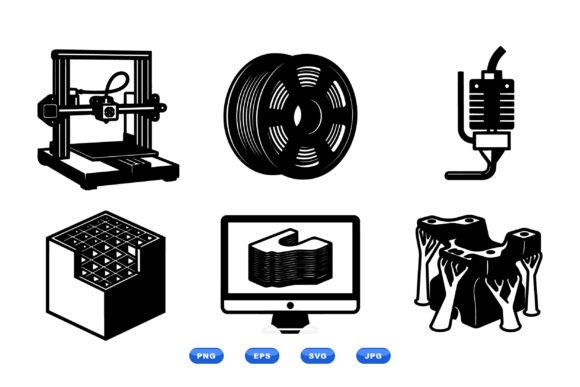
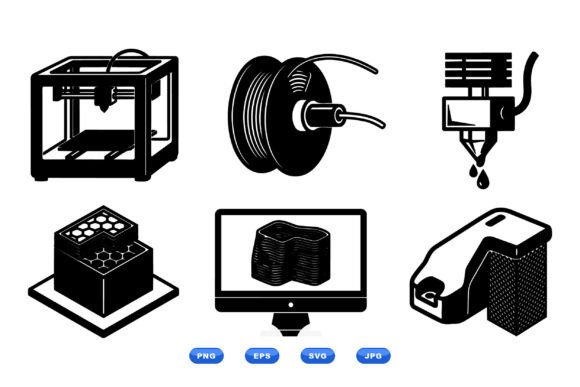
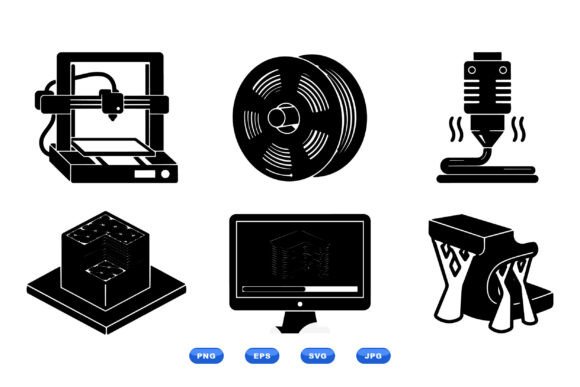
In a world increasingly shaped by additive manufacturing, clear communication is paramount. Whether you're explaining a complex process to a client, creating a tutorial for a community, or designing a user interface for software, you need visuals that speak directly to the subject. This is where a dedicated 3D Printing Icon Collection becomes not just a graphic asset, but a fundamental communication tool. It’s a set of flat vector icons that meticulously depicts the three-dimensional printing workflow, from the printer nozzle and filament spool to the build platform, computer, and slicing software.
Beyond Decoration: Icons as Functional Language
Think of these icons not as mere decorations, but as a visual dialect for the 3D printing industry. Each symbol—the precise nozzle, the coiled spool, the layered build platform—is a universally recognizable shorthand. For professionals and educators, this eliminates the need for lengthy textual descriptions or inconsistent, self-made graphics. The collection provides a cohesive visual vocabulary that can be deployed across countless mediums, ensuring your message is understood quickly and accurately.
Real-World Applications Across Diverse Fields
The utility of this icon set spans far beyond a single niche. Let’s explore some concrete scenarios where integrating this collection solves a real problem.
For hardware manufacturers and software developers, these icons are indispensable for UI/UX design. Slicing software interfaces, printer firmware menus, or online configuration tools can use these icons to guide users intuitively. An icon of a spool next to filament settings, or a nozzle graphic for temperature controls, makes navigation instinctive, reducing user frustration and support tickets.
Educators and training professionals operating in schools, workshops, or online platforms benefit immensely. Creating course materials, presentation slides, or instructional diagrams becomes significantly more efficient. A clean icon of a build platform can illustrate calibration steps, while the computer and software icons can map the digital preparation phase. This visual consistency aids learning retention and makes complex workflows digestible for beginners.
In the marketing and content creation sphere, bloggers, video producers, and social media managers covering tech topics can elevate their content. Using these icons in infographics, video overlays, or article illustrations adds professional polish and immediate topic recognition. It signals to your audience that you are speaking with authority and clarity about 3D printing.
Even within internal business operations, this collection finds a role. Manufacturing companies can use the icons in process documentation, safety manuals, or workflow charts to standardize how additive manufacturing steps are communicated to different departments, from engineering to logistics.
Considering Scalability and Format for Professional Use
A key strength of a professional vector set like this is its adaptability. The fact that the downloadable ZIP package includes SVG, EPS, PNG, and JPG formats addresses the full spectrum of modern workflow needs.
The SVG and EPS files are your go-to for any project requiring scalability. Whether you're printing a large poster for a trade show booth or embedding a tiny icon in a web application, these vector formats ensure sharp contours without any loss of quality. This is crucial for professional print and digital workflows where consistency across sizes is non-negotiable.
The PNG and JPG raster formats provide immediate-use convenience for digital contexts where vectors aren’t directly supported, like in some video editing software or quick social media graphic creation. The clean black-and-white design is a strategic choice; it offers maximum versatility. The icons can be used as-is for a minimalist, technical aesthetic, or easily colored, shaded, or textured to match your specific brand palette or design theme without losing their defining shapes.
Audiences and Their Unique Benefits
Different users will extract different values from the same collection. A freelance designer working on a client's 3D printing website might prize the time saved and the professional coherence the icons bring to the project. For them, the collection is a productivity tool.
A hobbyist running a popular YouTube channel about 3D printing might focus on how the icons enhance viewer comprehension and make their content more visually engaging, helping grow their channel. For them, it's an audience communication tool.
A technical writer at a large corporation might value the standardization it brings to thousands of pages of internal documentation, ensuring every manual and guide speaks the same visual language. For them, it's an organizational clarity tool.
This multifaceted utility underscores that the 3D Printing Icon Collection is a resource defined not by a single feature, but by the problems it solves for different people in different contexts.
Practical Observations Before Integration
While the strengths are clear, a few practical considerations are worth noting before applying the icons to your projects. First, assess the visual style compatibility with your existing design systems. The sharp, flat vector aesthetic is modern and widely compatible, but if your brand uses exclusively hand-drawn or photorealistic imagery, you may need to adapt the icons or your other assets to create a harmonious look.
Second, consider the level of detail. This set covers the core workflow components. For extremely specialized applications—like depicting a specific type of extruder or a rare filament material—you might need to supplement these foundational icons with custom graphics. However, for the vast majority of general communication purposes, the provided icons form a complete and sufficient toolkit.
Finally, leverage the scalability intentionally. Don’t just use the icons at one size. Use the EPS or SVG files to create a visual hierarchy in your designs—a large, bold printer icon for a header, smaller, finer software icons for a step-by-step list. This dynamic use showcases the true power of vector assets.
In essence, the 3D Printing Icon Collection removes a significant friction point in communicating about additive manufacturing. It provides a reliable, scalable, and professionally crafted visual foundation. By adopting this set, you’re not just adding pictures to your project; you’re adopting a clear, efficient, and recognizable language for the third dimension.